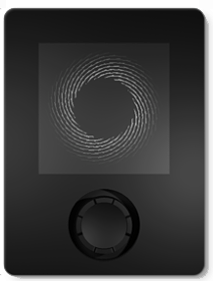
In meinem Blogbeitrag Vermittlung digitaler Inhalte in der Schule hatte ich die das Informatikinteresse an den Schulen fördernden Mikrocontroller BBC micro:bit, Calliope mini, und Oxocard betrachtet.
Dieser Bereich ist nach wie vor in Bewegung, stellt doch die Digitalisierung in allen Lebensbereichen eine grosse Herausforderung dar.
Mit der Oxocard Mini Serie stellt die Schweizer Oxon AG Computerboards zur Verfügung, die das Eintauchen in Computergrafik und ihre zugrunde liegenden Algorithmen oder Spiele und Animationen mit ihren Quelltexten ermöglichen.
OxoCard (Mini) Science ist eine programmierbare Multisensorplatine, die mit Hilfe von sieben Sensoren die folgenden physikalischen Grössen erfasst: Licht/IR, Temperatur, Geräusche, Feuchte, Druck und flüchtige Kohlenstoffverbindungen (VoC, eCO2 und Ethanol). Auch hier steht der dokumentierte Quelltext zur Verfügung und eigene Experimente können gestartet werden.

Das jüngste Kind der Oxocard-Familie ist Oxocard Connect – ein ebenfalls auf dem ESP32 aufbauendes und damit netzwerktaugliches Computermodul mit grafischem TFT-Display und einem Joystick für die Benutzer-Eingaben, welches durch seitlich einsteckbare Cartridges mit peripheren Komponenten, wie Sensoren etc., erweitert werden kann.
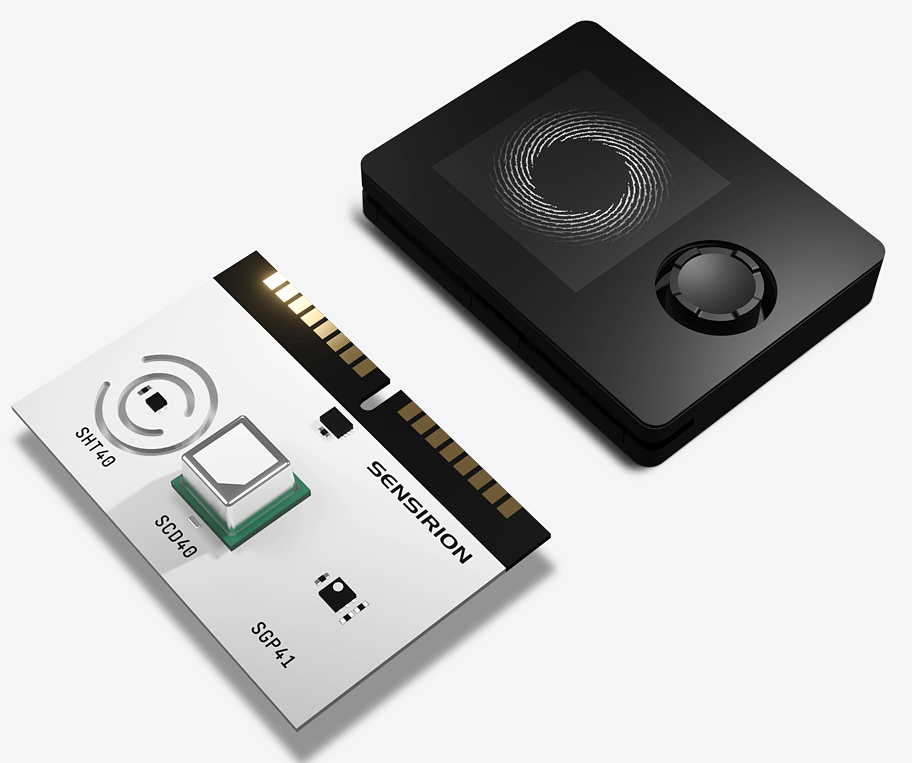
Die Programmierung kann wieder über den komfortablen Nanopy-Editor erfolgen. Zahlreiche Programmbeispiele und ausführliche Erläuterungen dienen der Einarbeitung und Auseinandersetzung mit diesem System. Zum näheren Kennenlernen möchte ich Sie auf den Beitrag von David Lee verweisen.
Ich möchte Oxocard Connect nicht mit Python programmieren, sondern diesen sehr ansprechend gestaltetem Controller mit der Arduino-IDE programmieren. Die zahlreichen Libraries ermöglichen die Erweiterung mit Sensoren und die Vernetzung sehr komfortabel. Mit dem Veroboard lassen sich Prototypen sehr einfach erstellen, bevor man mglw. eine anwendungsspezifische Cartridge erstellt.

Für die Hardware-Konstellation habe ich ein Testprogramm erstellt, welches die folgenden Funktionen testet:
- Ausgabe auf dem farbigen TFT-LCD mit 240 x 240 Pixel LH133T-IG01 mit ST7789VW LCD-Controller
- Abfrage Joystick
- LEDs über digitale IO
- EEPROM über I2C-Bus
Auf der Cartridge stehen neben digitaler und analoger IO und I2C-Bus auch noch SPI zur Verfügung. Ausserdem kann die gesamte Schaltung auch extern mit 5V (VEXT) versorgt werden.
Der Einsatz eines so ansprechend gestalteten Controllers lässt schnell das oft vorhandene Drahtverhau mit seinen unsicheren Verbindungen vergessen.
Oxocard Connect Openweather Station
Oxocard Connect besitzt mit der vorhandenen Hardware alle Möglichkeiten, über das Internet auf Daten zuzugreifen und diese auf dem Display darzustellen.
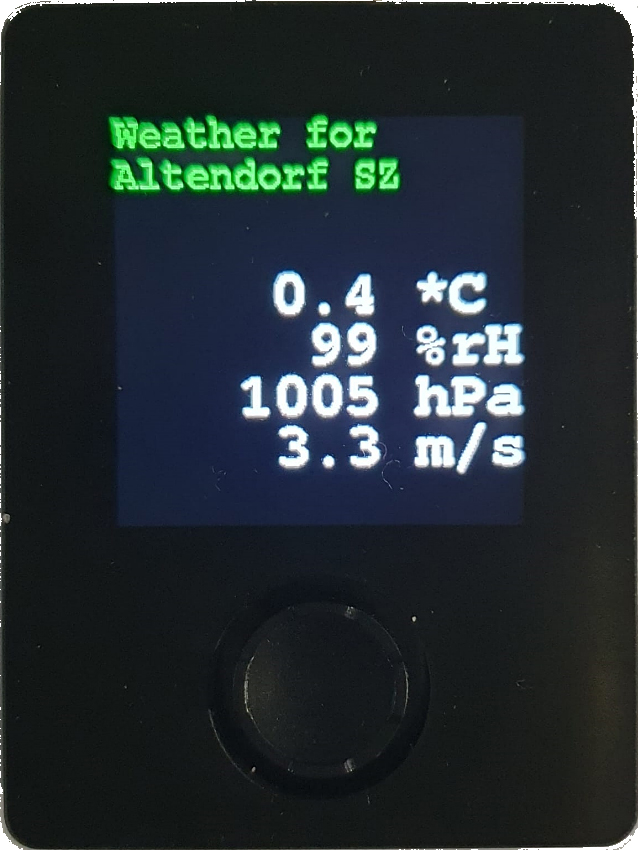
Ich habe hier durch Abfrage der Wetterdaten von Openweathermap.org eine kleine Wetterstation als Anwendungsbeispiel erstellt.
Openweathermap.org stellt maximal 1000 Aufrufe pro Tag gratis zur Verfügung, weshalb hier der Abfragezyklus auf zwei Minuten eingestellt wurde. Werden die 1000 Aufrufe überschritten, dann kann ein blockierter Account die Folge sein.
Das Programm finden Sie auf GitHub unter https://github.com/ckuehnel/Arduino2023/tree/main/ESP32/Oxocard/Oxocard_OpenWeather
Oxocard Connect MQTT-Client
Simon Kemper beschreibt auf LinkedIn die Verbindung von Datacake und Slack zur Benachrichtigung bei kritischen Zuständen etc.
Unter Verwendung des TTN-internen MQTT-Servers bin ich einen anderen Weg gegangen.
Ich verwende Oxocard Connect als MQTT-Client und filtere nur die für das Monitoring erforderlichen Größen aus den Upload-Messages zur Anzeige auf dem Display.
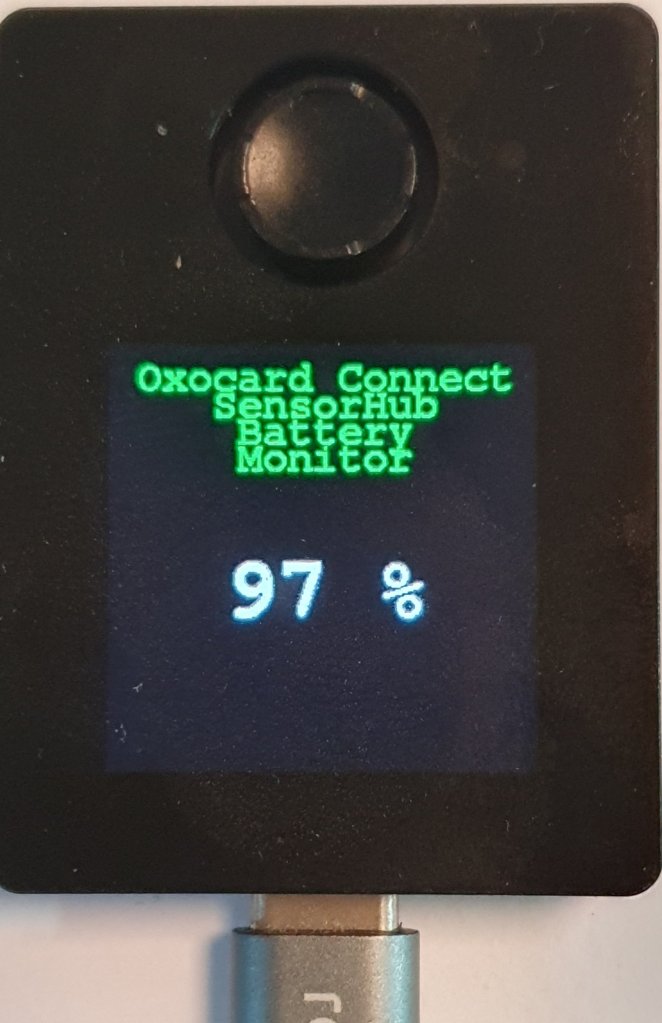
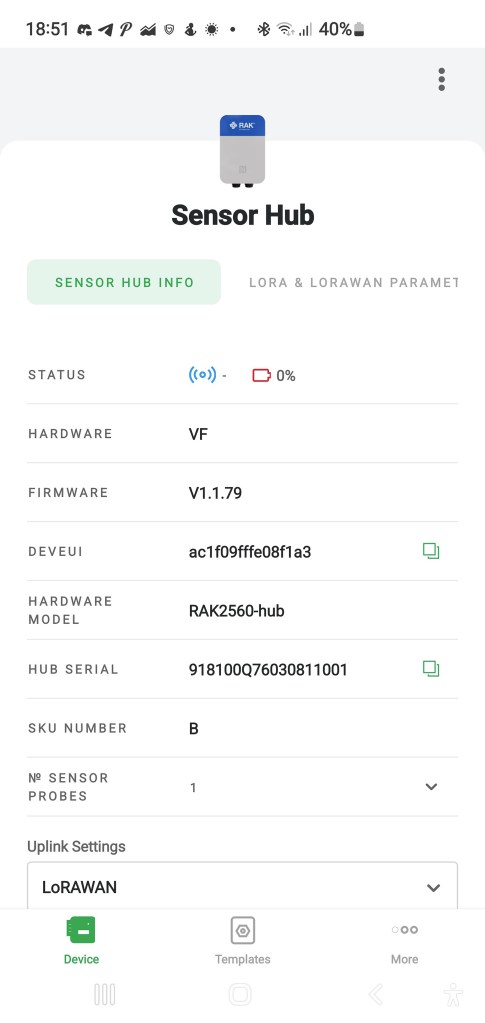
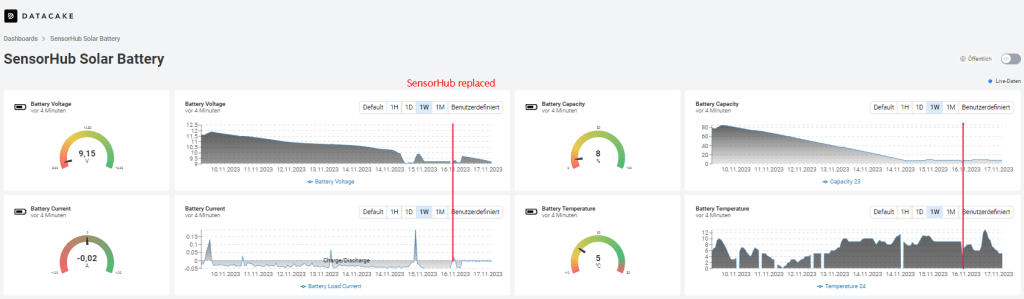
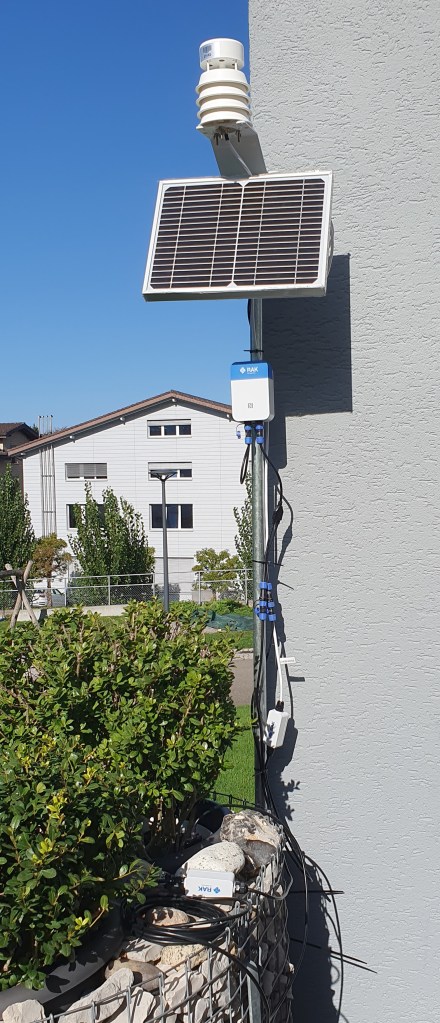
Konkret überwache ich die Batteriekapazität eines solar-gepufferten SensorHubs von RAKwireless. Gerade jetzt in der dunklen Jahreszeit möchte ich den Ladezustand der Batterie überwachen, um die Nachladung tagsüber zu verifizieren.
Der SensorHub sendet die erfassten Umweltdaten zum TTS (CE) LNS, der diese an ein Datacake Dashboard zur Visualisierung weiterleitet. Sie finden dieses Dashboard über diesen Public Link.
Der Oxocard Connect MQTT-Client „subscribed“ die Upload-Messages des SensorHubs, filtert die Batteriekapazität aus der umfangreichen Upload-Message und bringt sie auf dem Display zur Anzeige. Die Aktualisierung des Displayinhalts erfolgt mit jeder neuen Upload-Message vom SensorHub.
Ein Screenshot des Consolen Outputs zeigt die empfangene Payload vor und nach der Filterung und die Extraktion der Daten. Auf dem Display wird aber nur die aktuelle Batteriekapazität angezeigt.

2023-12-01/CK




 ck blog